
Wellbeing
MoveNew
Block apps on your iPhone and unlock them through physical exercise.
Show what matters. Hide the rest.
BlurifyRo quickly hides sensitive data from your screenshots and photos before you send them. Auto-detect with one tap, or draw your own boxes over any area — faces, logos, QR codes, anything. 100% on-device.

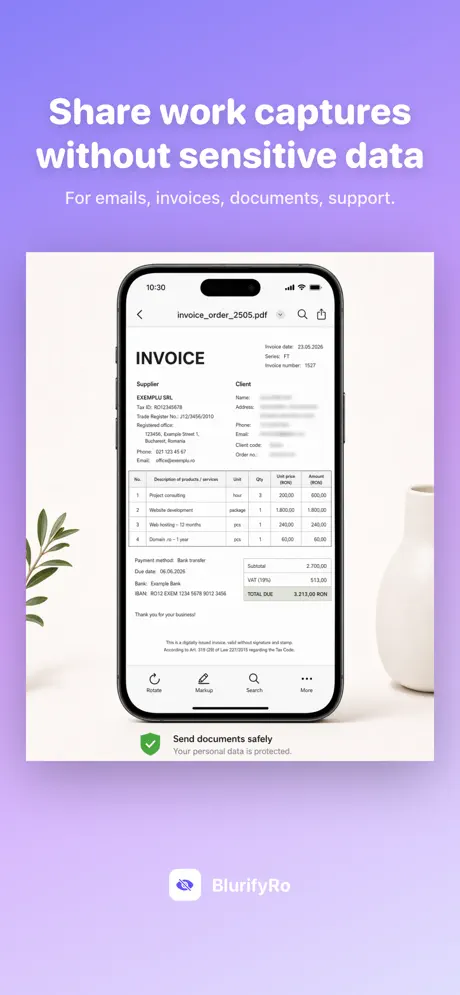
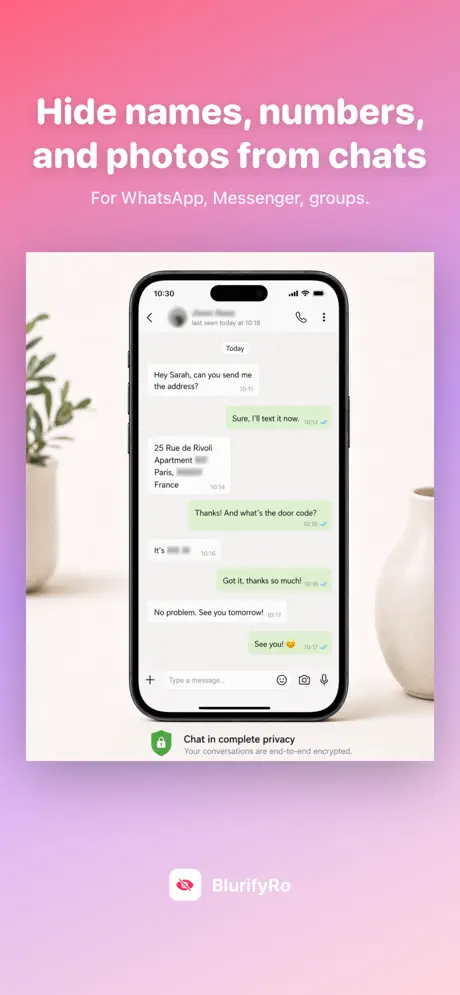
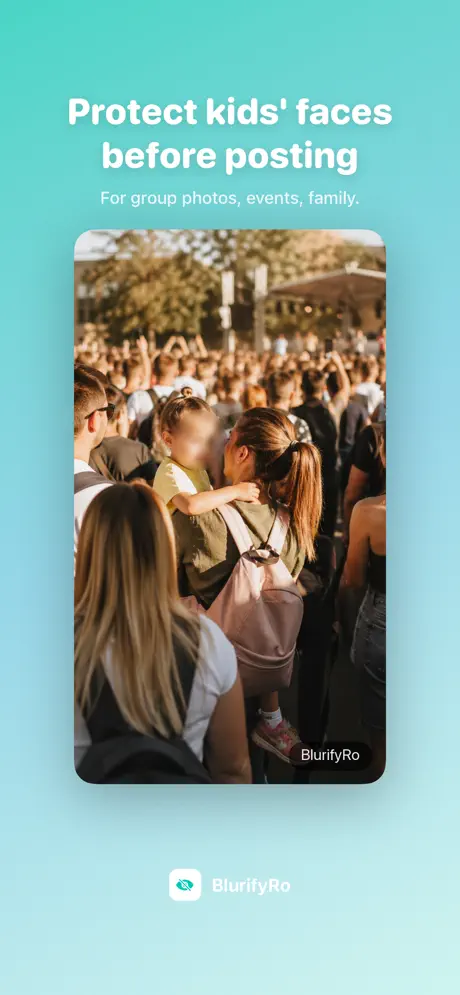
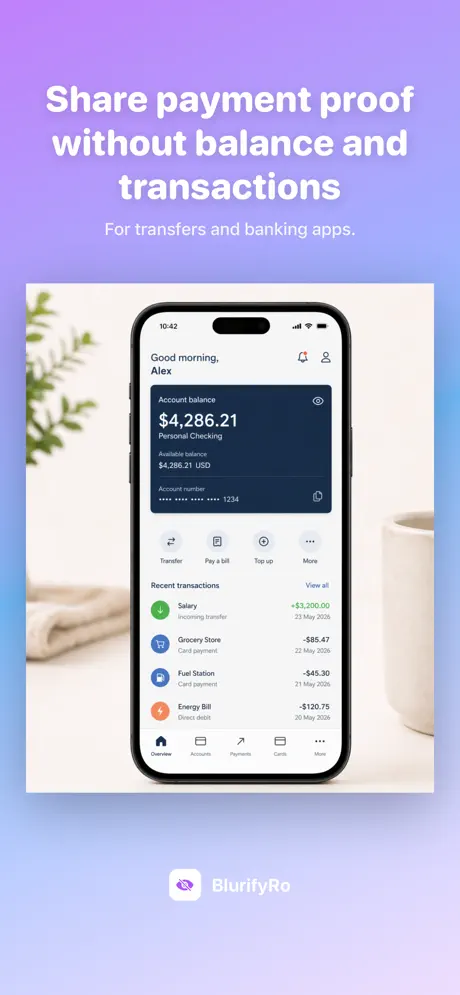
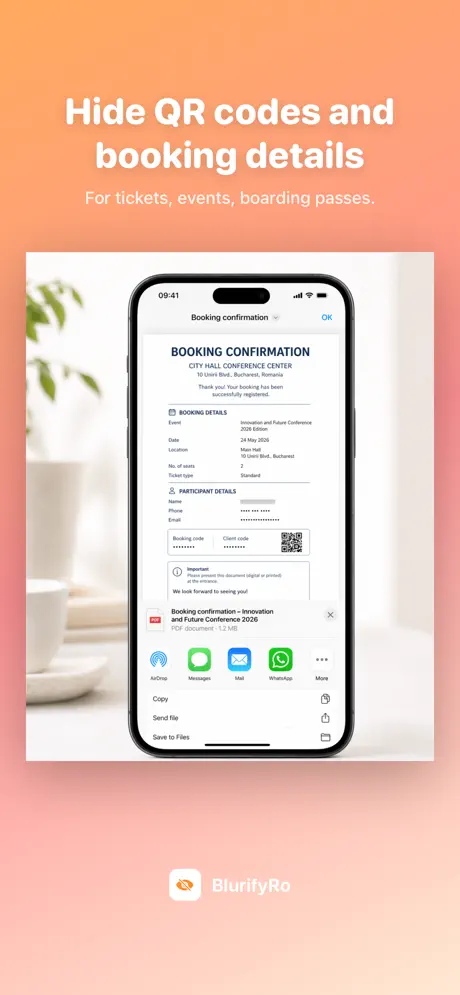
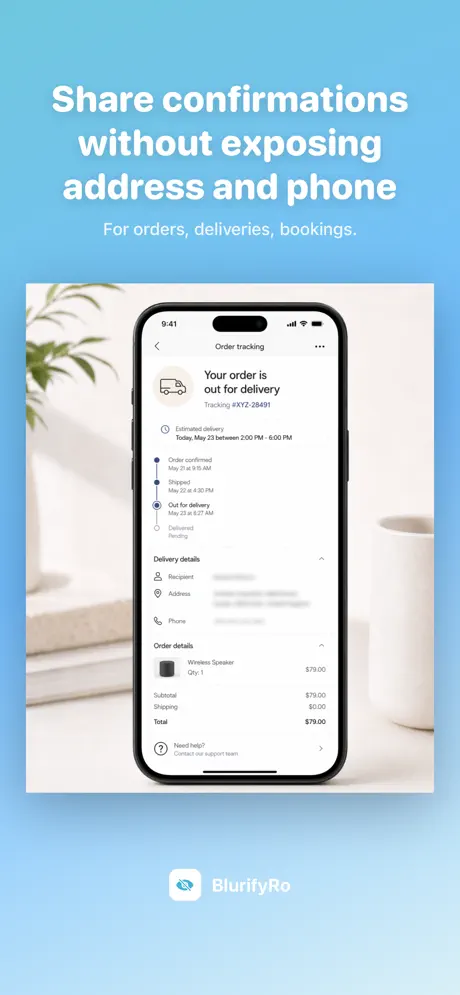
BlurifyRo is a screenshot redaction tool built around one principle: your data shouldn't leak when you share a screenshot. Whether you're sending proof of payment, posting a ticket, forwarding a chat or sharing a work capture, the things you didn't mean to share — phone numbers, IBAN, CNP, balances, faces — get hidden in seconds.
Detection runs locally with Apple's Vision framework. No account, no upload, no server. Basic detection (phones, emails, links, amounts) and the Blur style are free; Pro unlocks the Romanian-specific detectors (CNP, bank card, IBAN, names, addresses), all redaction styles, batch processing and unlimited clean exports.
Phone numbers, emails, links and amounts (RON, lei, EUR, €) detected for free. Pro adds CNP (mod-11 + județ + plausible date), bank cards (Luhn, 13–19 digits), Romanian IBANs (mod-97), Romanian names and addresses.
Hold and drag over any area — faces, logos, QR codes, booking codes. Or drop emoji stickers you can move, resize and rotate. Drag anything to the bin to remove it.
Blur is free. Pro unlocks Pixel, Solid, Frosted and Noise — pick the right style for each context. Apply the same style to all boxes or mix.
Hide everything by default and reveal only what you choose. Useful when most of the screenshot is sensitive and you only want to show one or two things.
Pick up to 10 screenshots at once, choose which categories to hide, and BlurifyRo redacts and exports all of them in seconds.
100% on-device — Apple Vision OCR, no account, no upload, no server. Use BlurifyRo straight from the Photos share sheet without opening the app first.
Block apps on your iPhone and unlock them through physical exercise.

Simple habit tracker. Set five daily habits, check them off, watch your streaks grow.
101 professional modeling poses for photographers & models.
Have a suggestion for BlurifyRo?
Tell us what you would like the app to have.