
Kids & Learning
Educational math game for children using the Ten Frames method.
Mișcă
Less scroll. More control.
Move puts a simple barrier between you and distracting apps. Do a quick exercise, earn temporary access. Your phone, your rules.
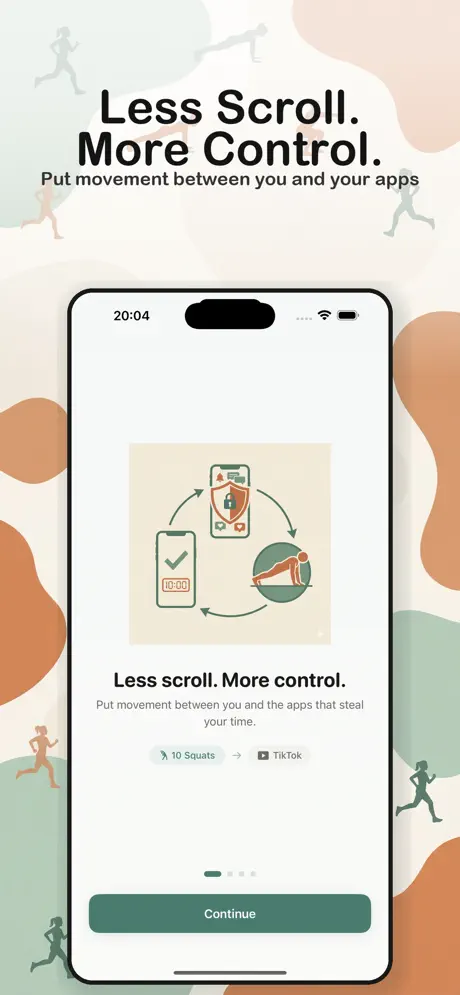
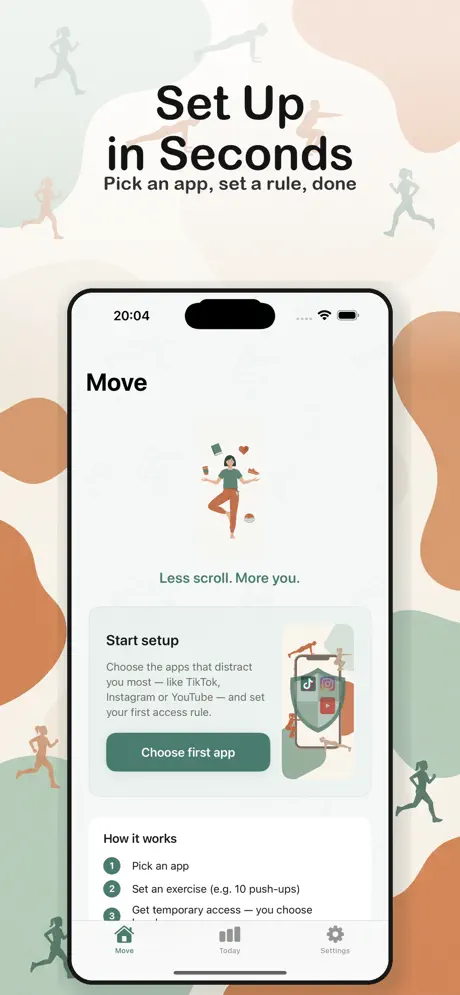
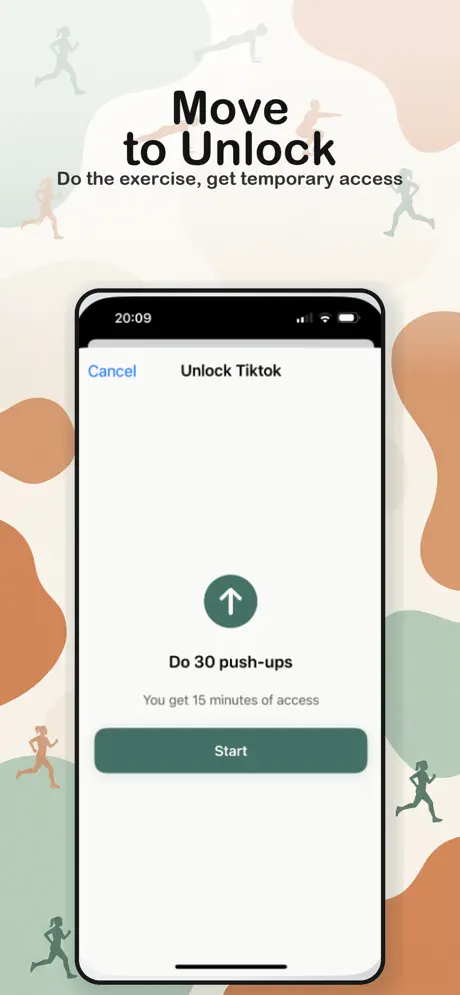
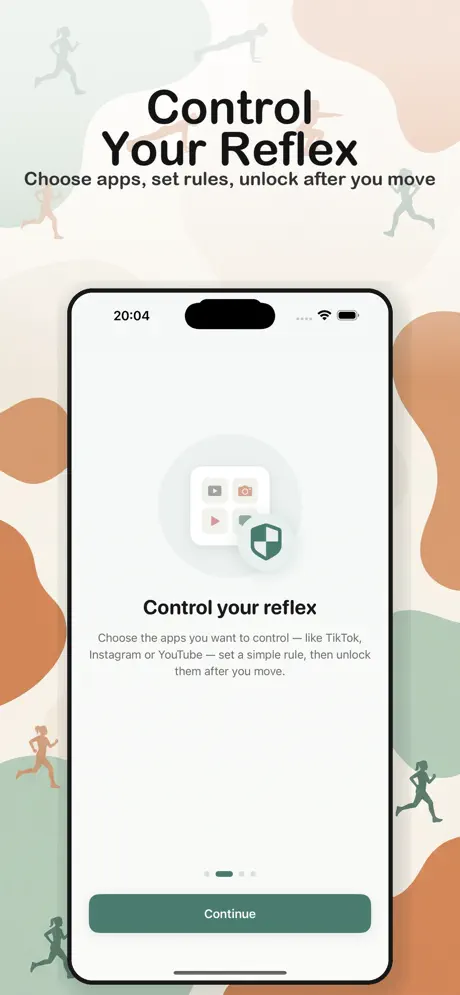
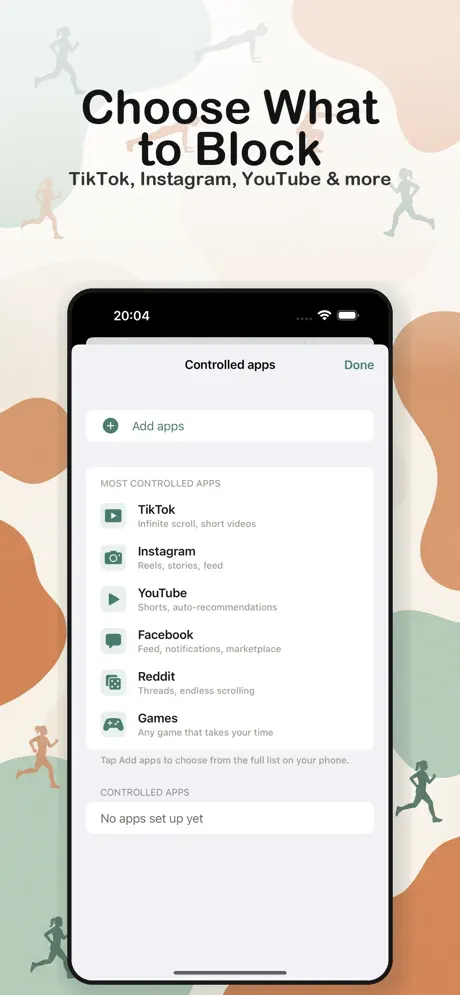
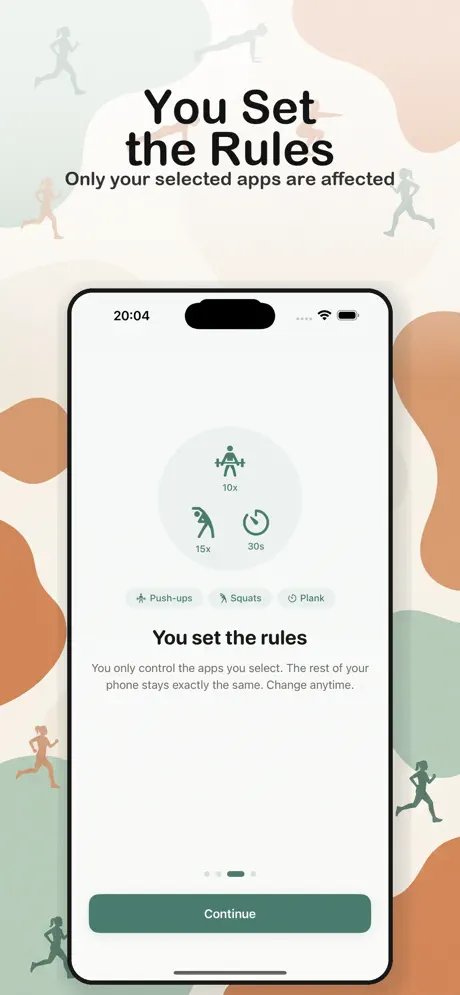
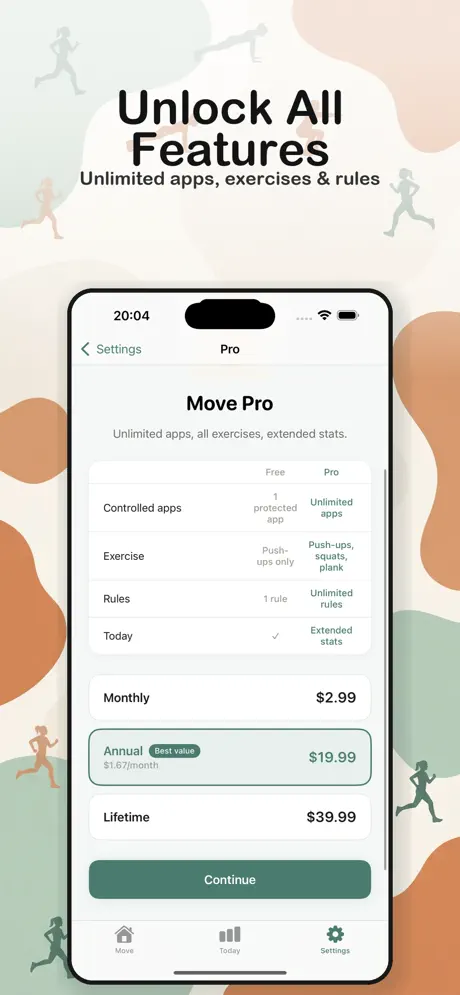
Move turns compulsive scrolling into physical movement. Choose the apps that steal your time — TikTok, Instagram, YouTube, or anything else — set an exercise, and unlock them only after you move.
It's not a fitness app. It's not a productivity app. It's a personal tool that puts a healthy barrier between you and the scroll reflex. No pressure, no guilt — just a moment of movement before opening what distracts you.
Choose the apps you want to control — TikTok, Instagram, YouTube, Facebook, Reddit, games, or anything else.
Decide what unlocks the app — for example, 10 squats, 30 push-ups, or 30 seconds of plank.
When you reach for the app, do the exercise first. Move counts your reps and confirms the unlock.
You get 10 to 120 minutes of access — you choose how long. After that, the rule resets.
Stop opening distracting apps on autopilot. A quick exercise gives you a moment to decide if you really want to.
Every reach for the phone becomes a chance to move your body. Push-ups, squats, or plank — your choice.
You decide which apps are protected, what counts as a rep, and how long the unlock lasts. Change anytime.
Move never affects your whole phone. Calls, messages, maps, work apps — everything you don't protect stays exactly the same.
Uses the FamilyControls framework, so the protection is enforced at the system level — not a workaround.
Most screen-time tools rely on timers, notifications or reminders — they're passive and easy to ignore. Move is different: it's not a fitness app, it's not a productivity app. It just puts a small physical action between the impulse and the app. That tiny friction is enough to break the autopilot loop.
Educational math game for children using the Ten Frames method.
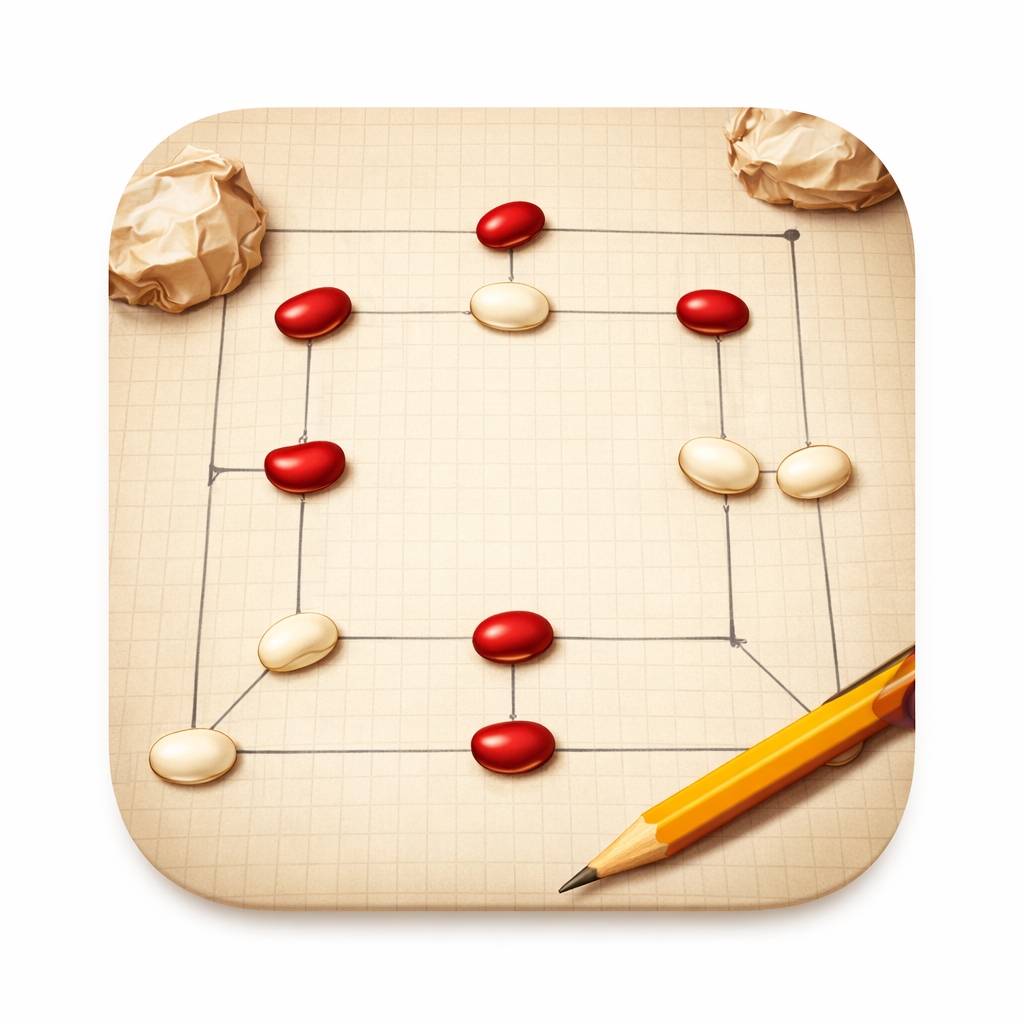
Traditional Romanian Nine Men's Morris board game.

A Romanian word puzzle. Form words from 7 letters — the gold one has to appear in every word. Find pangrams for bonus points.
Have a suggestion for Move?
Tell us what you would like the app to have.
